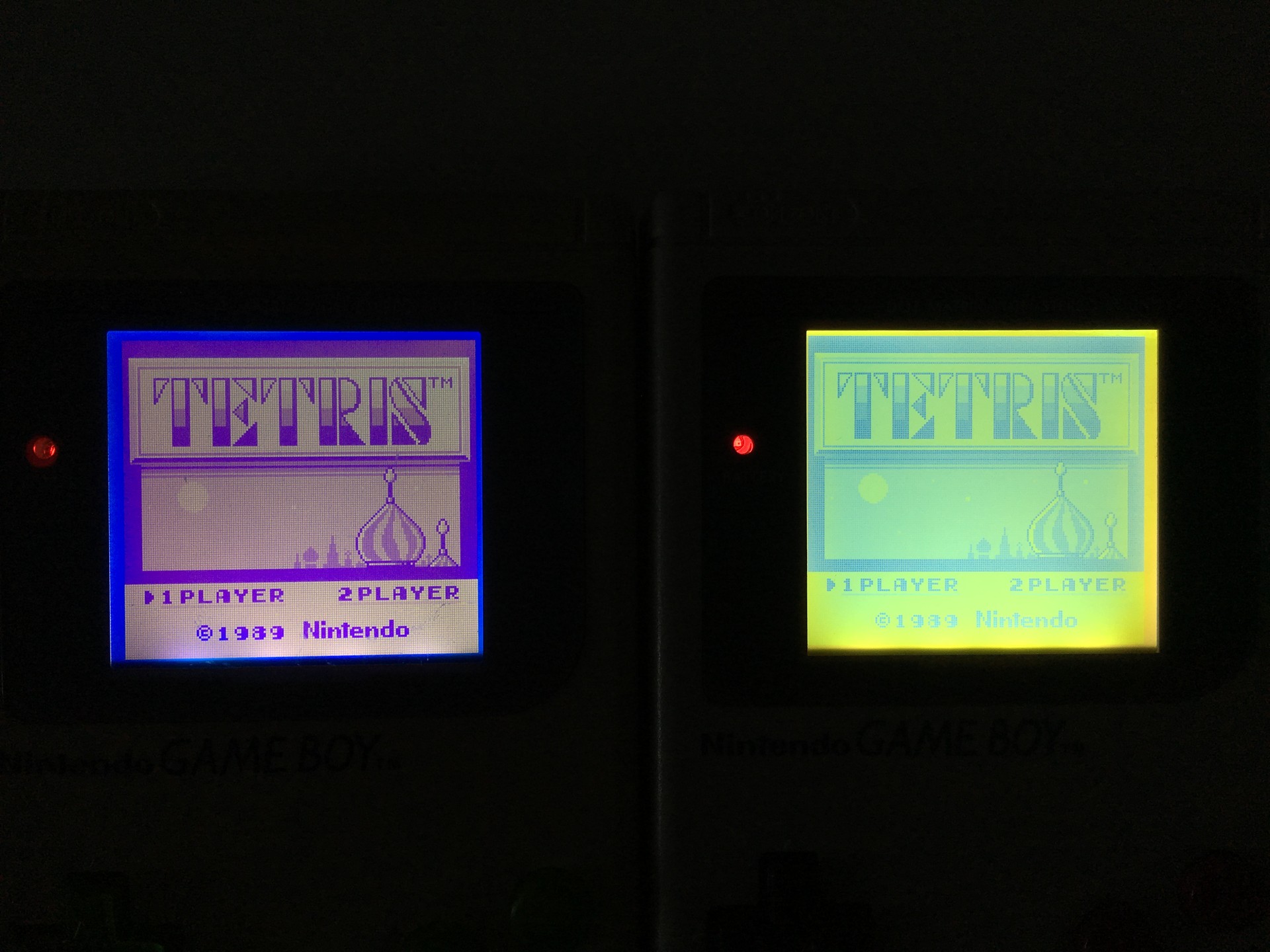
A Game Boy Backlight + Bivert mod
After backlighting a Game Boy I was really wondering how big of a difference a bivert mod would make. In pictures you see on the internet the difference is quite dramatic, but I already thought that just a backlight looked amazing… I couldn’t be more wrong.
First I installed a backlight, which I got from deadpanrobot.co.uk. With my previous Game Boy, removing the reflective and polarisation layer took a lot of time and left a lot of hard to clean residue. This time I tried to get the knife behind both layers on the first try and started to pull slowly. To my surprise I managed to remove the layers within five minutes or so, leaving no glue behind! Really happy it was so easy. I inserted the polarisation filter at a 90 degree angle in order to get the inverted look, which will be reverted again by the bivert chip.
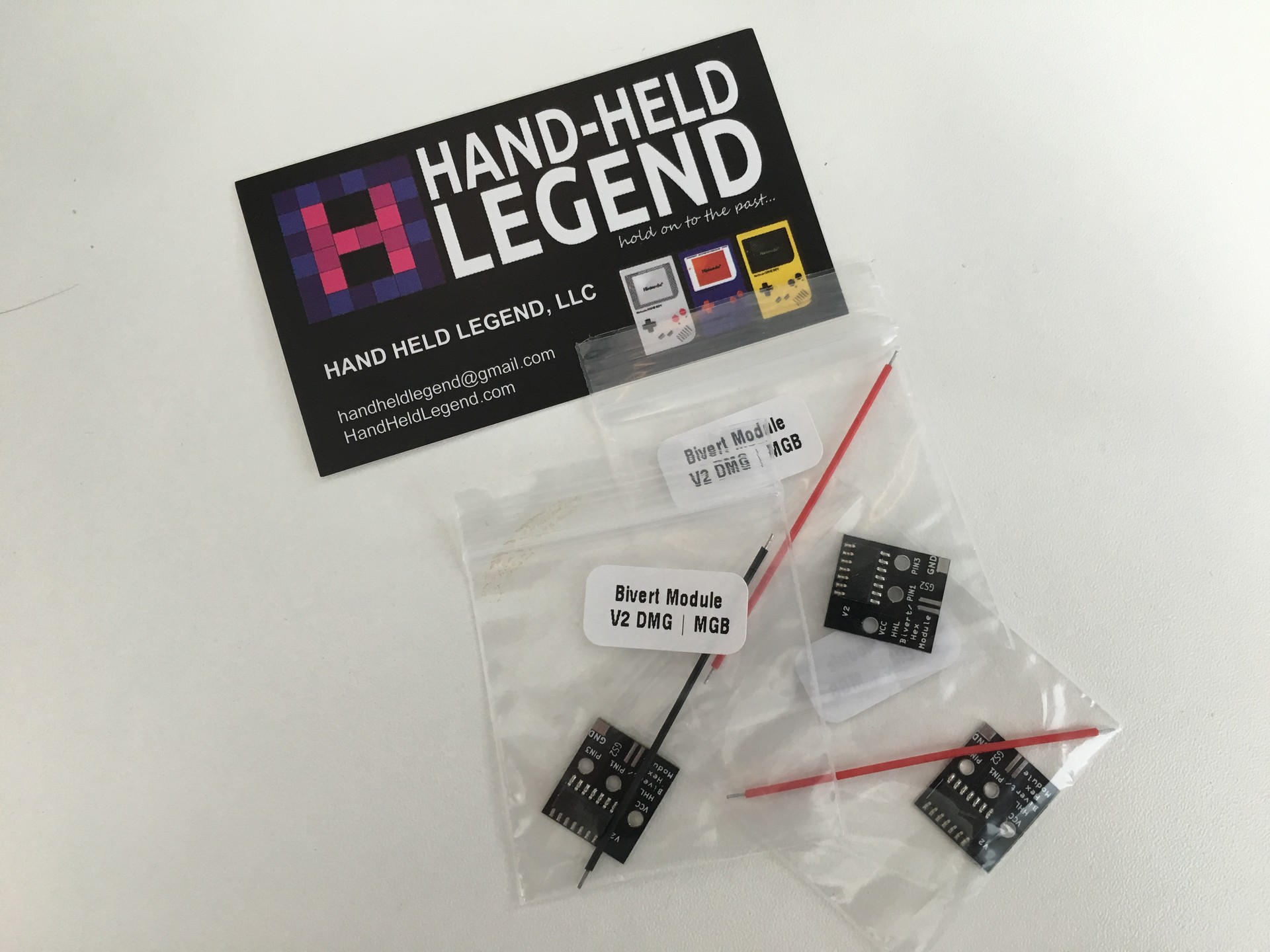
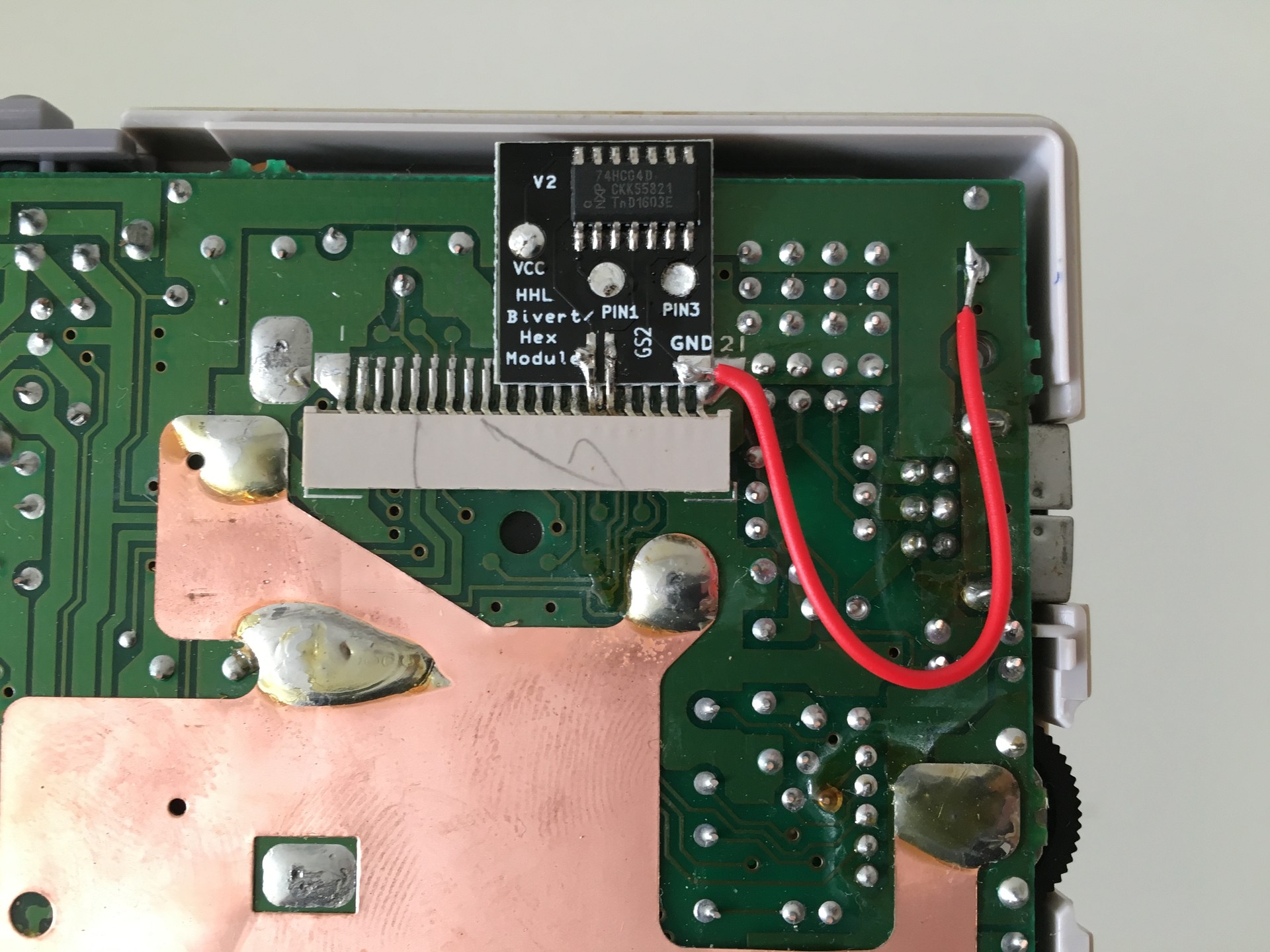
I really liked the design of the bivert module from Hand-Held Legend. It only requires 1 wire to be soldered (and it’s already included!), the pins you lifted (see video below) rest on the module and the other three connections are really easy to solder.
Make sure you get enough solder into the VCC, PIN1 and PIN3 holes, otherwise you won’t get a good connection. You need to route the wire in such a way that is doesn’t cover the screw hole like it does on the picture. Just make a nice “U” and route it past the solder points.
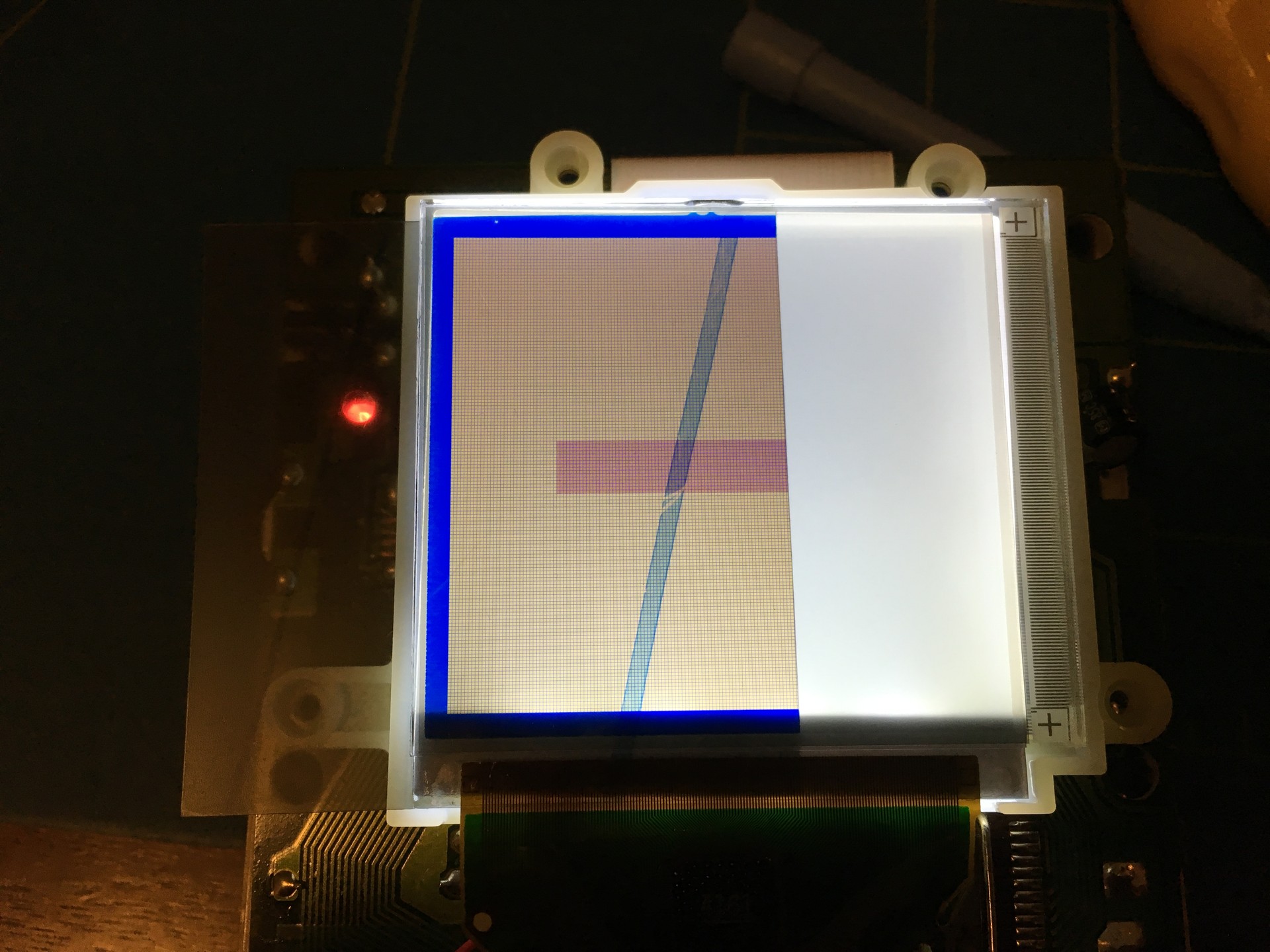
After putting everything back together I turned it on and wow… what a difference! The contrast is pretty serious. The screen does look very blue after the mod, I liked the backlight only colour better (they use the same backlight module).