
Adding a battery to a bootleg Game Boy cartridge
In recent years I haven’t been tinkering with Game Boys or bootlegs as much as I used to, but sometimes I do some Googling to see if there’s anything cool out there. Something that didn’t exist back in 2018 was the FlashCartDB, a Wiki that aims to gather as much information as possible on flash carts, clones and bootlegs. What caught my eye were pictures of PCB’s without a battery installed with SRAM save type, but under notes they said “After installing a battery…”. Does this mean it would be possible to add a battery later? Let’s find out!
I had a few days to myself after Christmas and dug out some Pokemon bootlegs. I found a 0883_DRV type cartridge without a battery that is listed in the database! Here’s a close-up of the board.
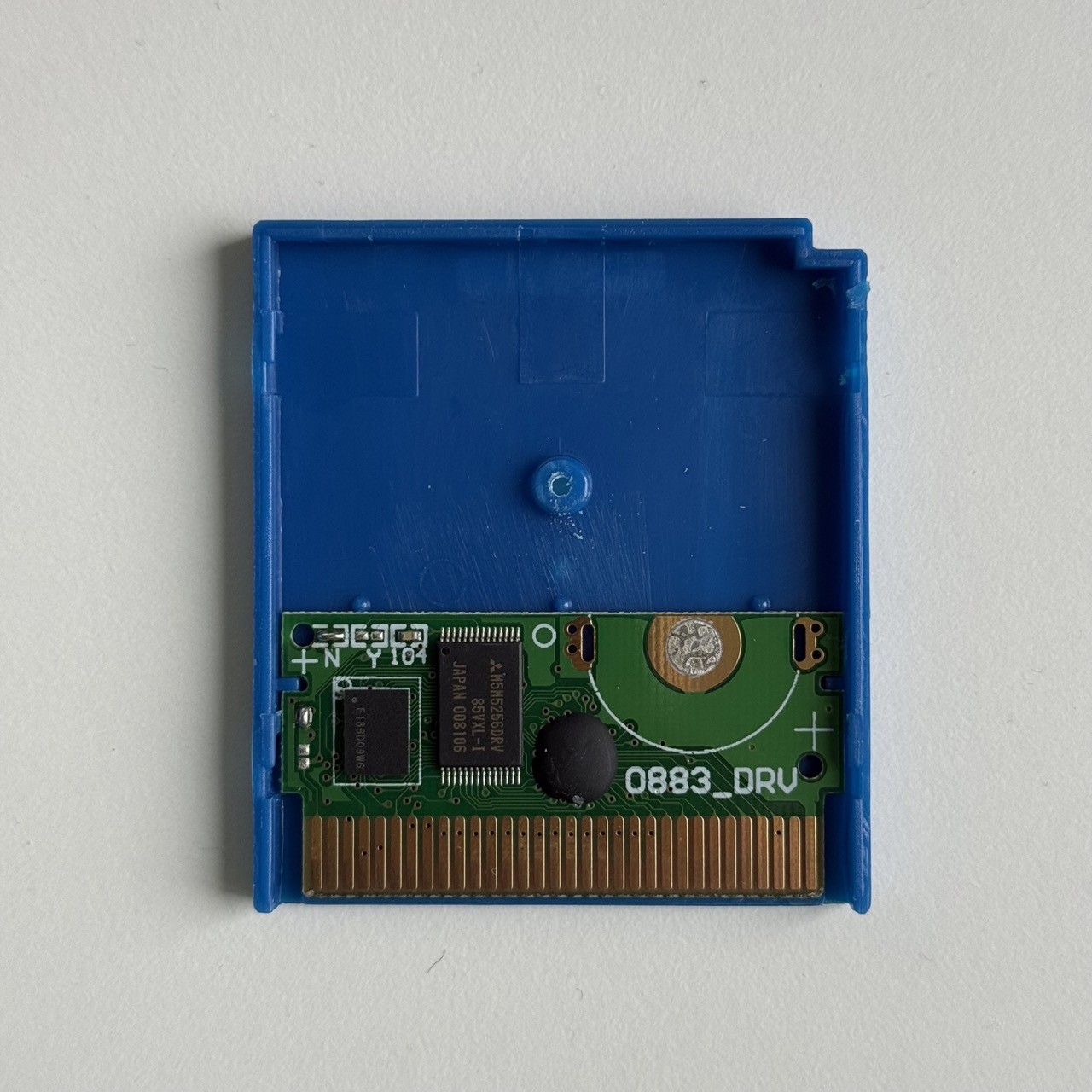
I must have had the idea to do this at some point, because I had some CR2032 holders in my soldering parts bin. A quick check of my AliExpress history showed that I ordered these 8 years ago! 🤯
The product page is no longer there, but the description read 10pcs CR2032 CR2025 CR2020 Battery Button Cell Holder Through Hole Case Battery Socket Connector PCB Solder Nickel Plate 3003. They look something like this:
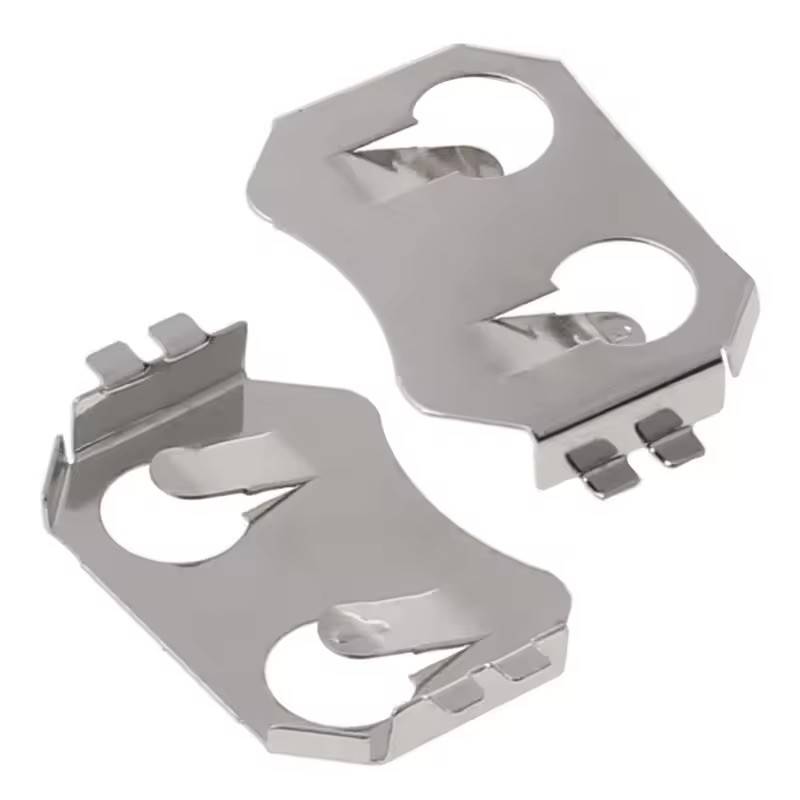
It fit nicely through the PCB and soldering was easy. Additionally, on the top left part of the PCB, you need to wipe the contacts labeled “N” and bridge the contacts that are labeled “Y”. This indicates if a battery is installed or not. Please excuse the bad picture and my dodgy soldering.
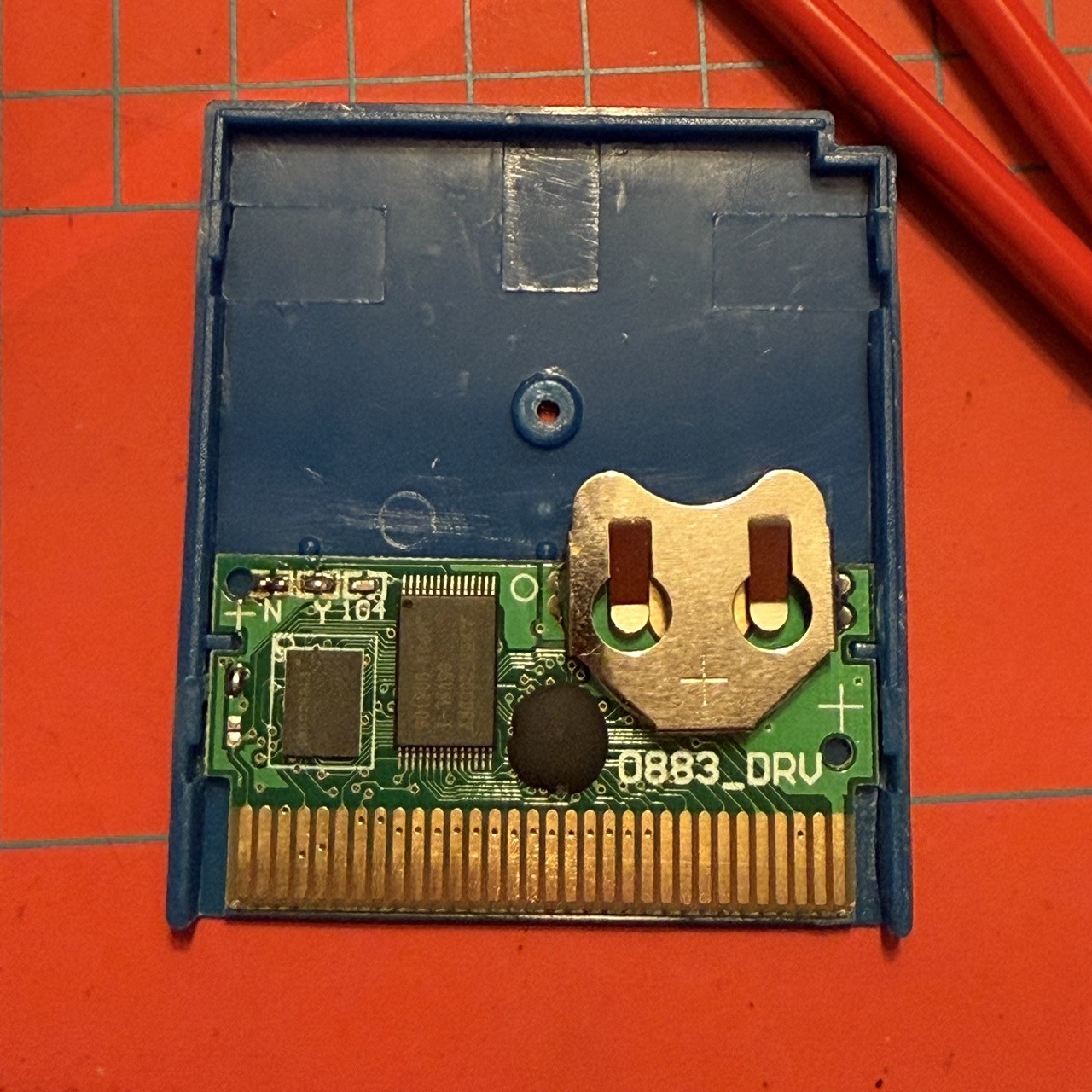
Since the battery holder is a through hole model, it was sticking out a bit on the back, so I trimmed those with a pair of flush cutters. I slid in a battery and reassemled the case. It’s a tight fit, but the case closes. I flashed Tetris® for Chromatic (sorry!) to the cart and my data is now properly saved! Only time will tell how long the save data will last. 🤞