
Flashing Game Boy cartridges
I’ve been collecting some Game Boys and games over the past year and every now and then I see a game that I’d like to have but the prices on some retro games are hard to justify. Sure, you can download a rom and play them in an emulator, but there’s no substitute for playing on real hardware. You can buy flash cards such as the EverDrive GB or the ElCheapo SD, but they can be expensive or hard to come by. Sometimes you can find cheap reproductions, or rather knockoffs, of these games online but probably not all of them. What if you could flash these cheap knockoffs with your own roms? The brilliant BennVenn has figured out a way to do it using his joey-joeybags Game Boy (Advance) cart reader! It seems these readers sell like hotcakes, because they sold out most of the time, but I managed to get a hold of one and it’s really nice!
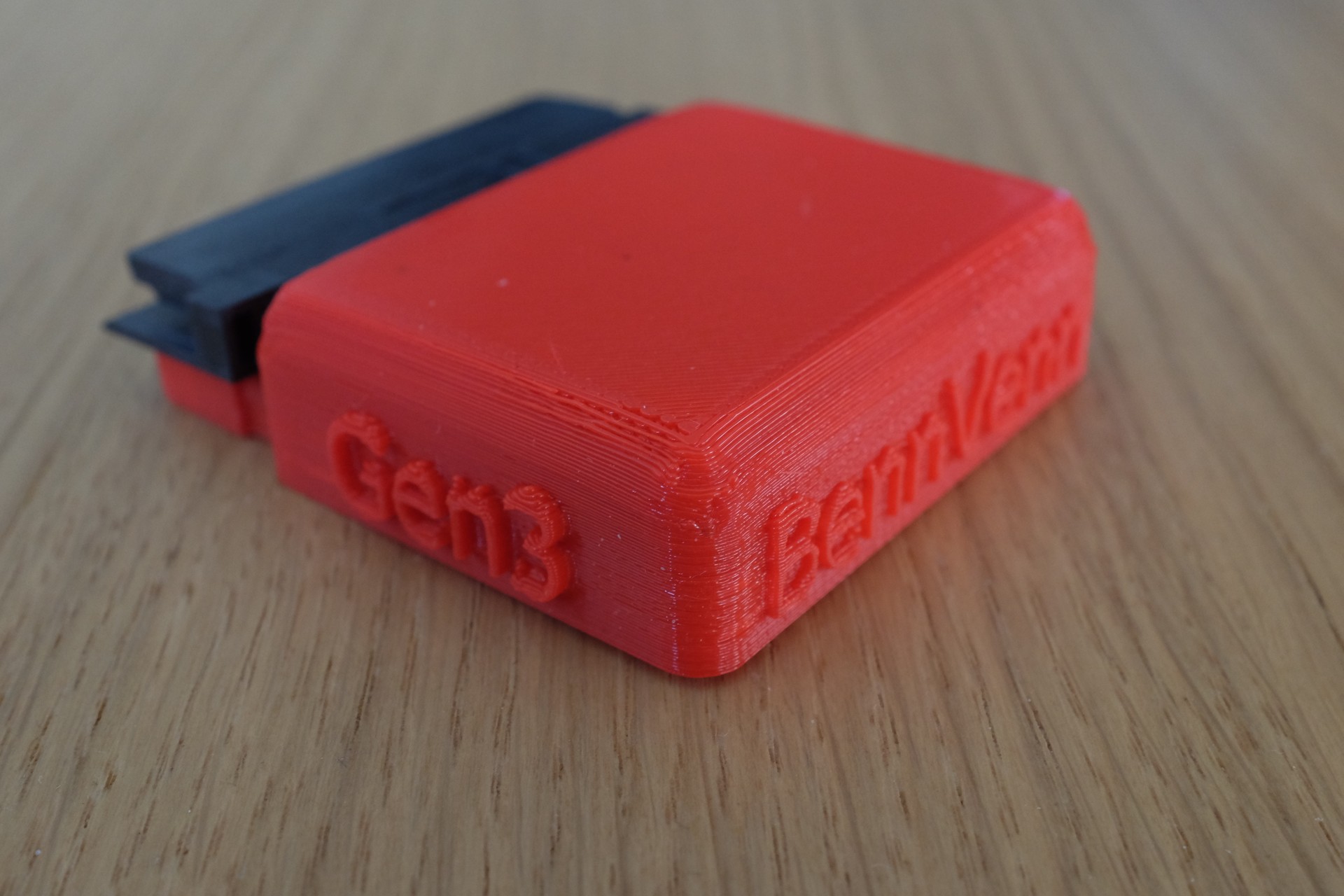
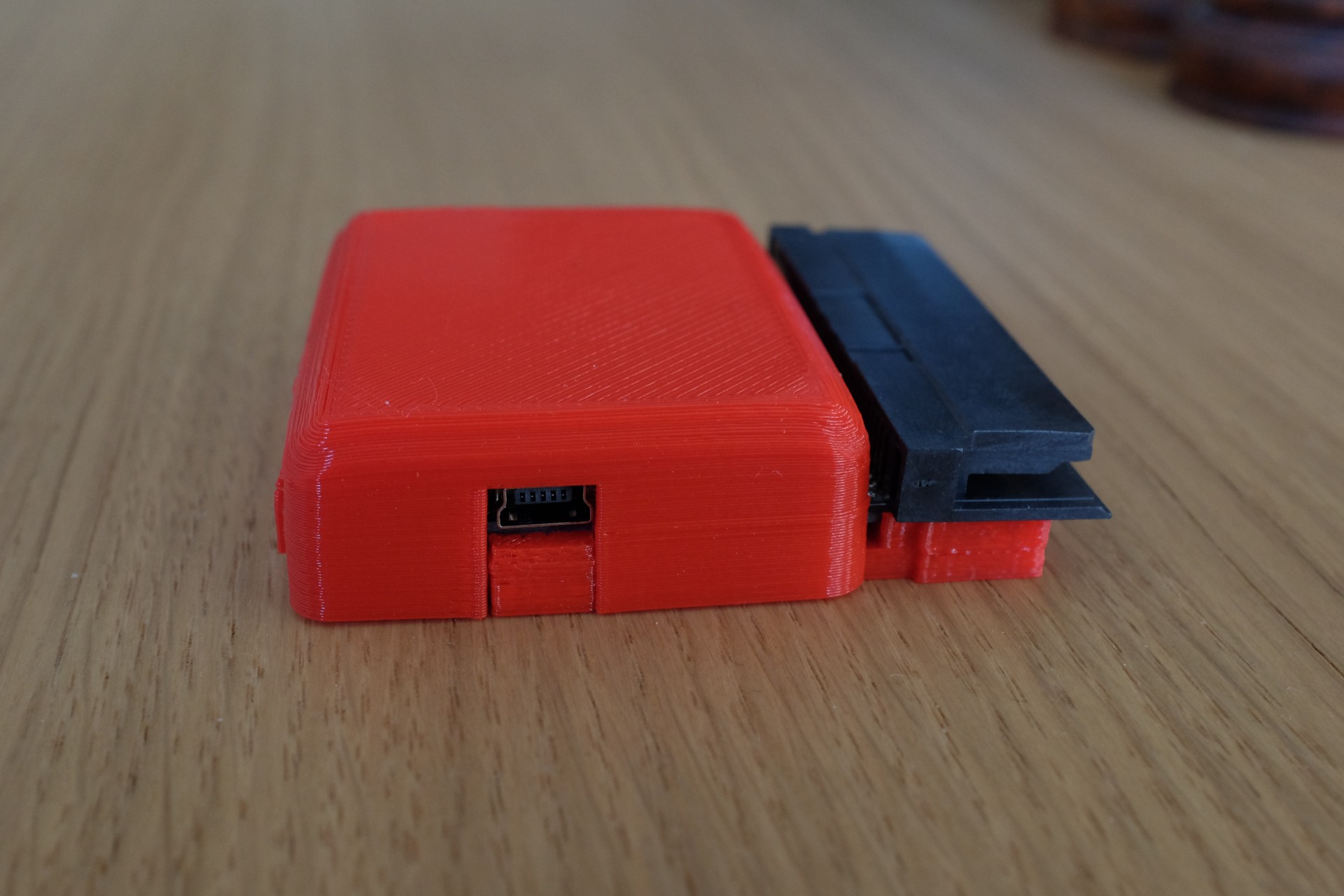
It comes with a 3D printed case and has a mini-usb port to connect it to your computer. I like the decision to go with mini-usb because it’s much less fragile. This unit is built to last.
I had to figure out how to get the software running on a Mac, but it’s not so hard and works fine.
I wrote down some instructions for those interested.
I got some Pokémon knockoffs from China and tried flashing them with a bunch of different games. Wario Land, Mega Man III, Donkey Kong, Konami Collection, they all work just fine, even the save features work. Only Mega Man V gave me a black screen after the Nintendo logo, I haven’t figured out why that happens yet.
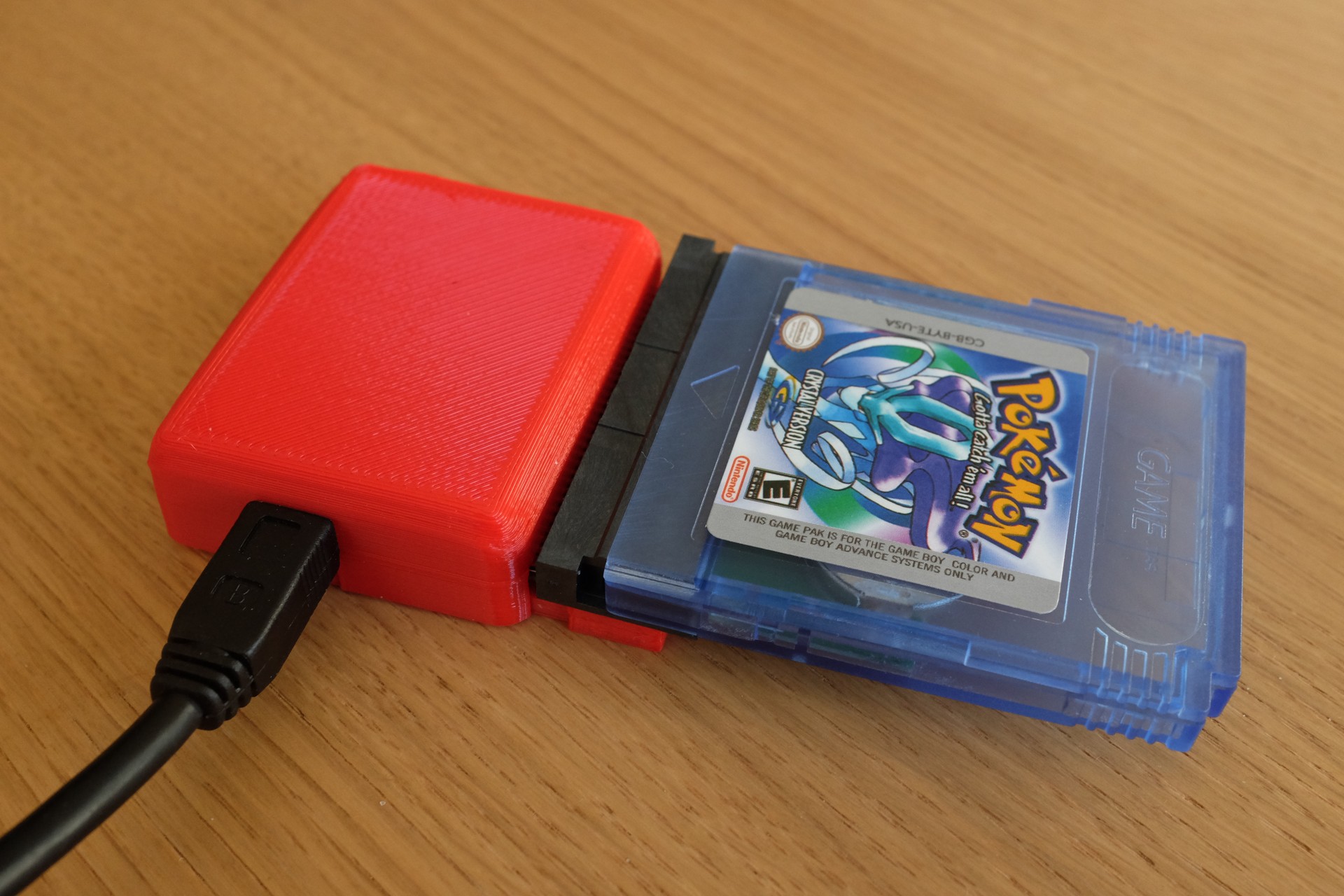
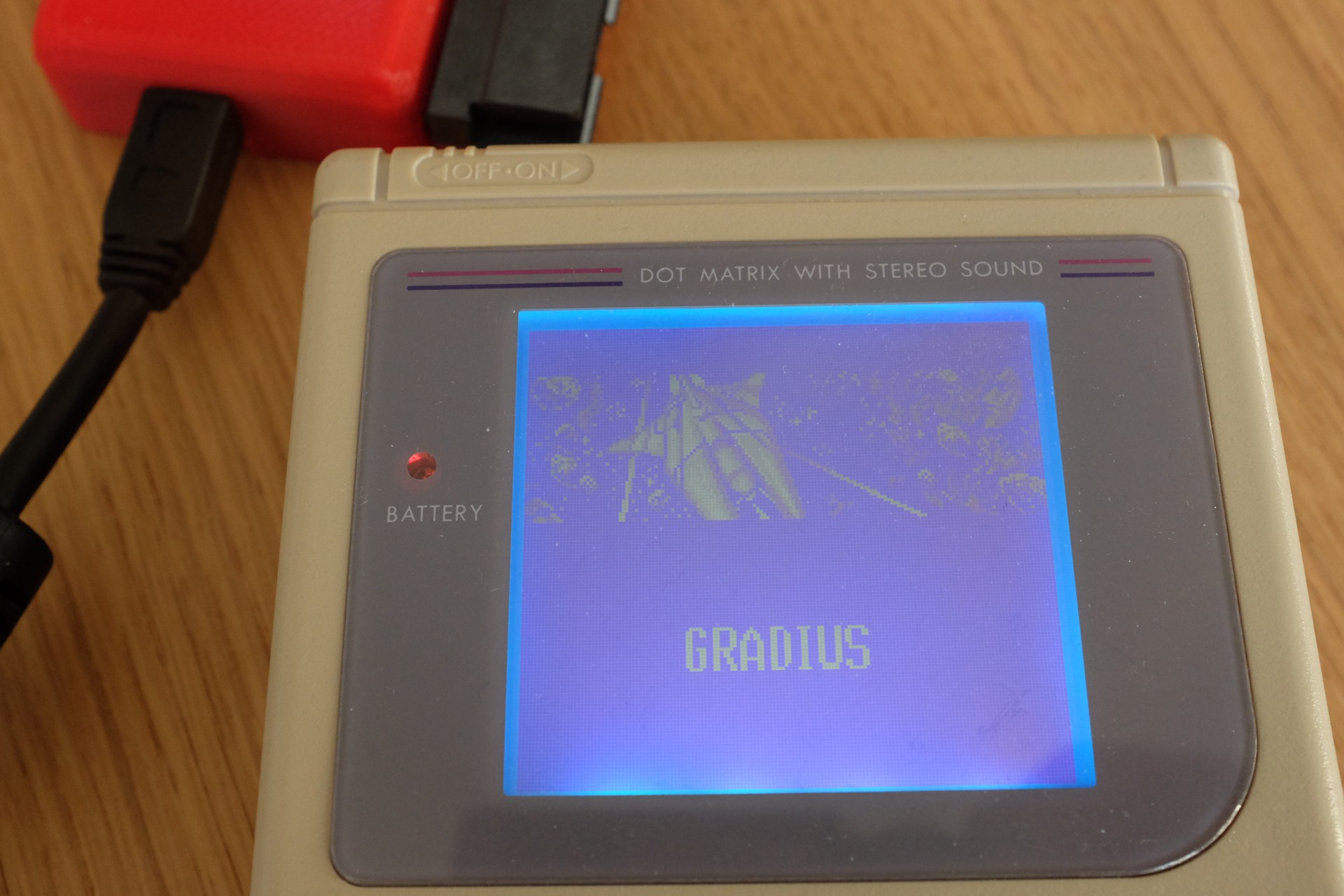
You can use the reader to dump roms and save games from your own cartridges too.
Now all I have to do is write my own game!
So far I’m really happy with this little device. BennVenn makes a lot more Game Boy related hardware, it’s really amazing to see. I highly recommend following him on Facebook if your interested in this sort of stuff