
Replacing the Pebble 2 buttons with 3d printed ones
My first smartwatch was a Pebble (the Kickstarter edition!) and after that a Pebble 2 (also a Kickstarter edition) because of the heart rate monitor. I finally gave in to Apple when I finally bought an Apple Watch Series 3 in Japan back in 2018 which I still wear to this day.
There were a few things about the Pebble that made it appealing: always on display, a battery life measured in days, affordability, it had quirky animations and it was open to develop for. They are still very decent watches now. Unfortunately Pebble went out of business in 2016 and Fitbit acquired most assets and some employees. But in 2018 the story for Pebble finally ended and people were left without support for their beloved watches. Fitbit itself got acquired by Google in 2021.
In January 2025, Google open-sourced the code that powered the Pebble watches. Shortly after, Eric Migicovsky (Pebble’s founder) announced that a new Pebble watch was being developed and that new firmware and iOS app would support the older Pebble watches!
Obviously I had to see this for myself. Would I be able to use my almost 8 year old Pebble 2 again? After a bit of a search I managed to dig up both of my Pebble watches.
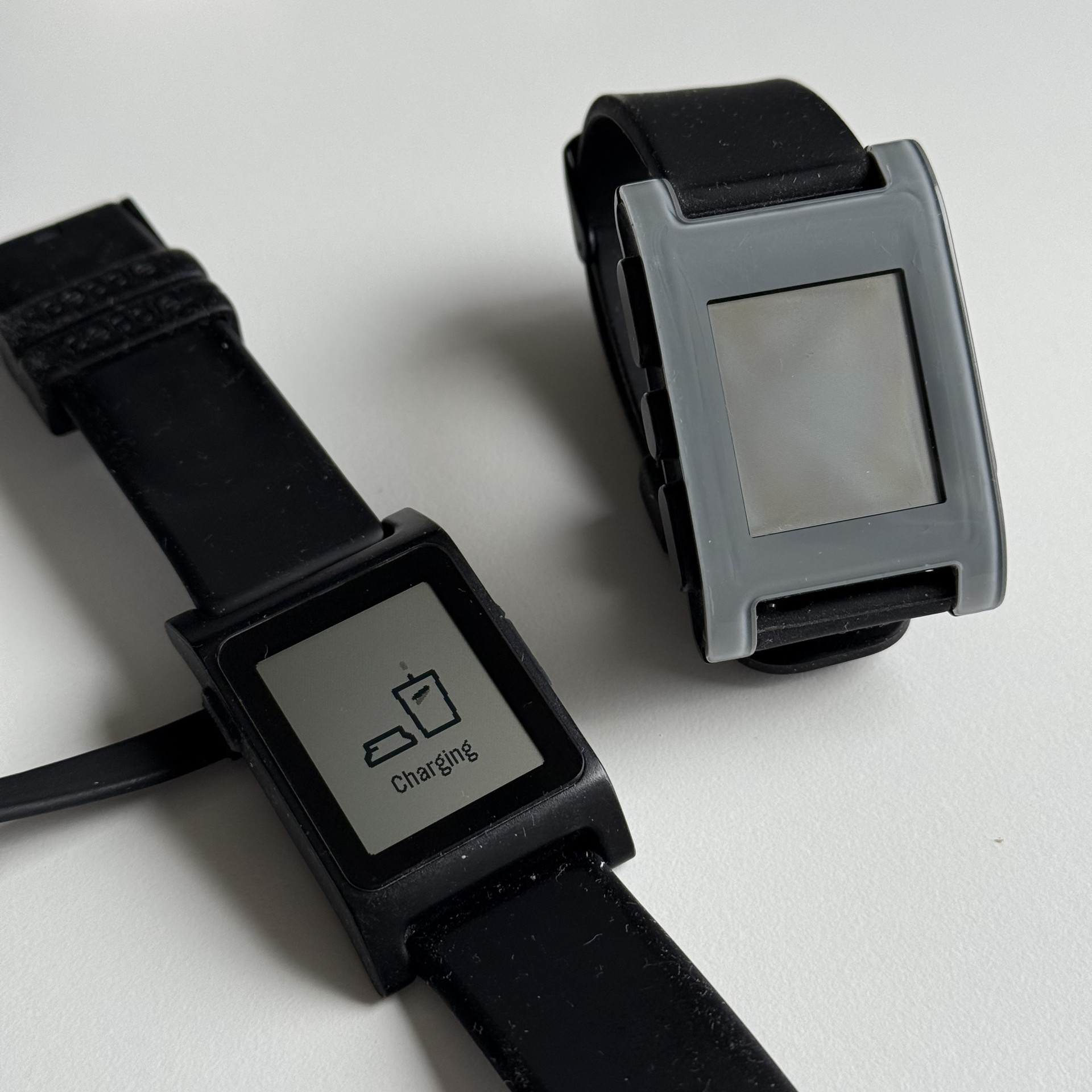
The original Pebble works fine with the new software! The watch itself is a bit more clunky, slower and doesn’t have a heart rate monitor. So, on to the Pebble 2… but there is a problem.
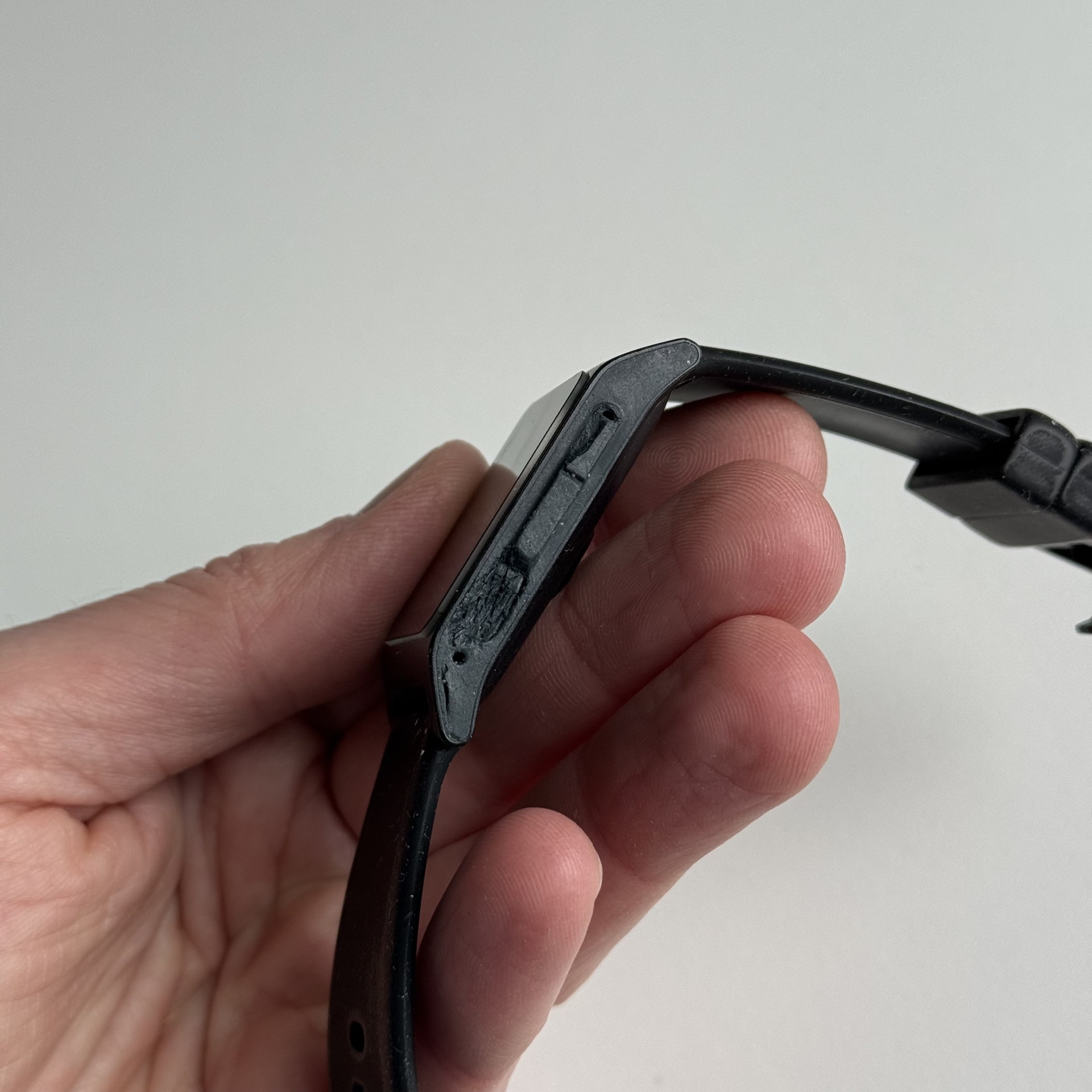
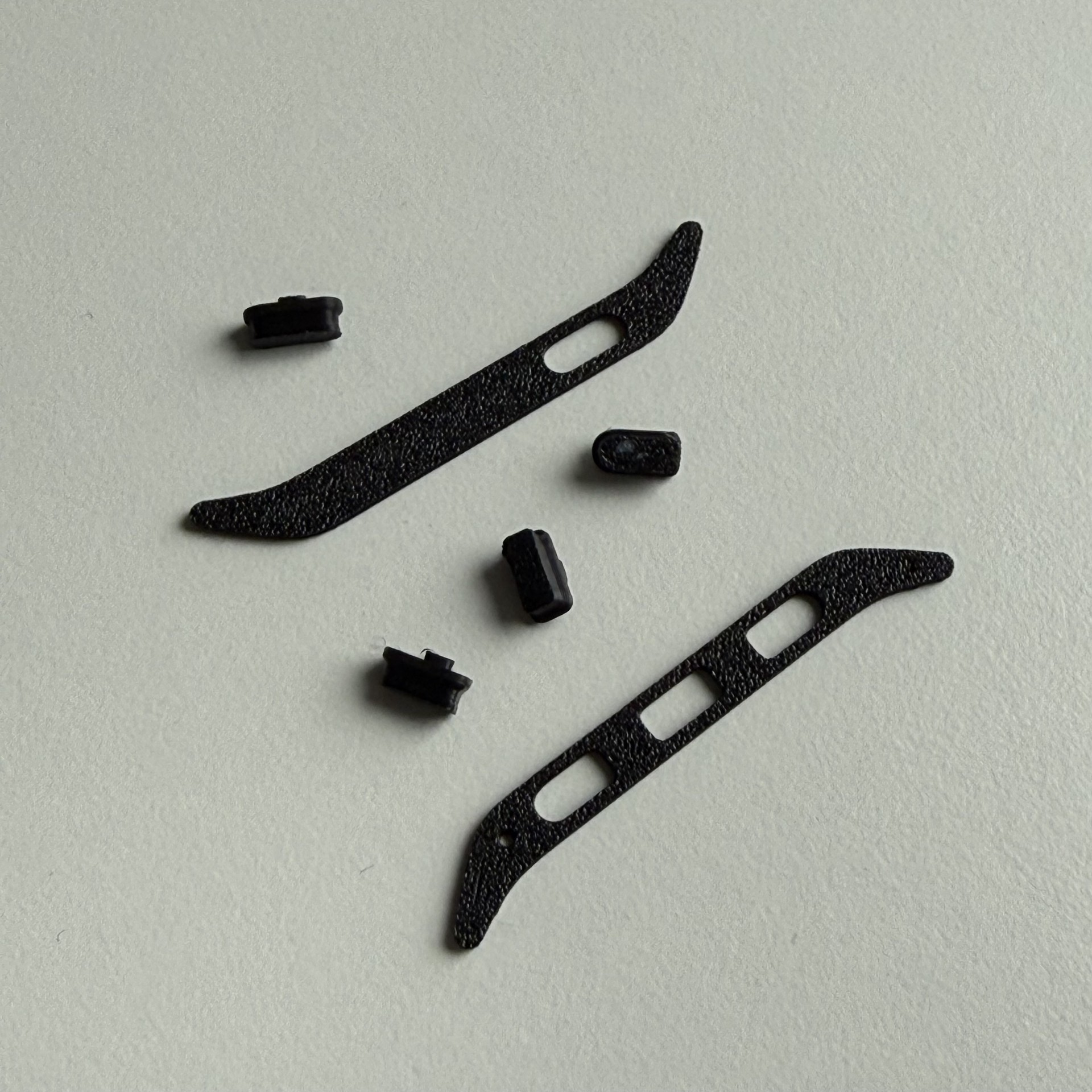
The buttons have completely turned to goo. 😭 I could press the button a few times until was all mush and would no longer respond to my presses. This was not going to work. Some quick Google searches told me there are no official replacement parts available, but instead you can 3d print your own! I don’t own a 3d printer, but my colleague William was so kind to print me a set of buttons.
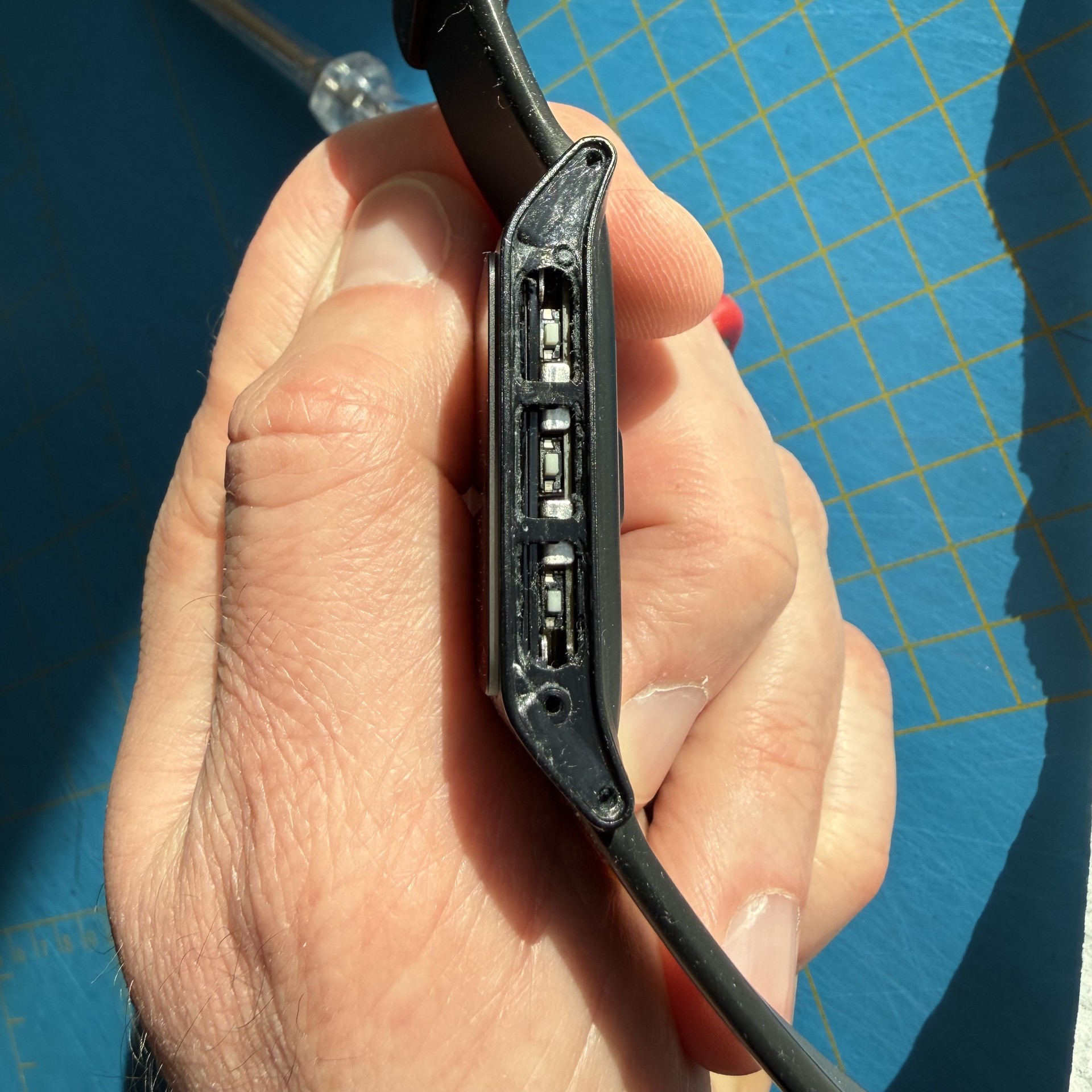
I used a metal spudger, tooth picks, cotton buds and some sticker remover to remove the disintegrated silicone, which worked out pretty well.
Add some super glue, carefully insert the replacement parts, hold it in place with some masking tape and let it cure for a bit.
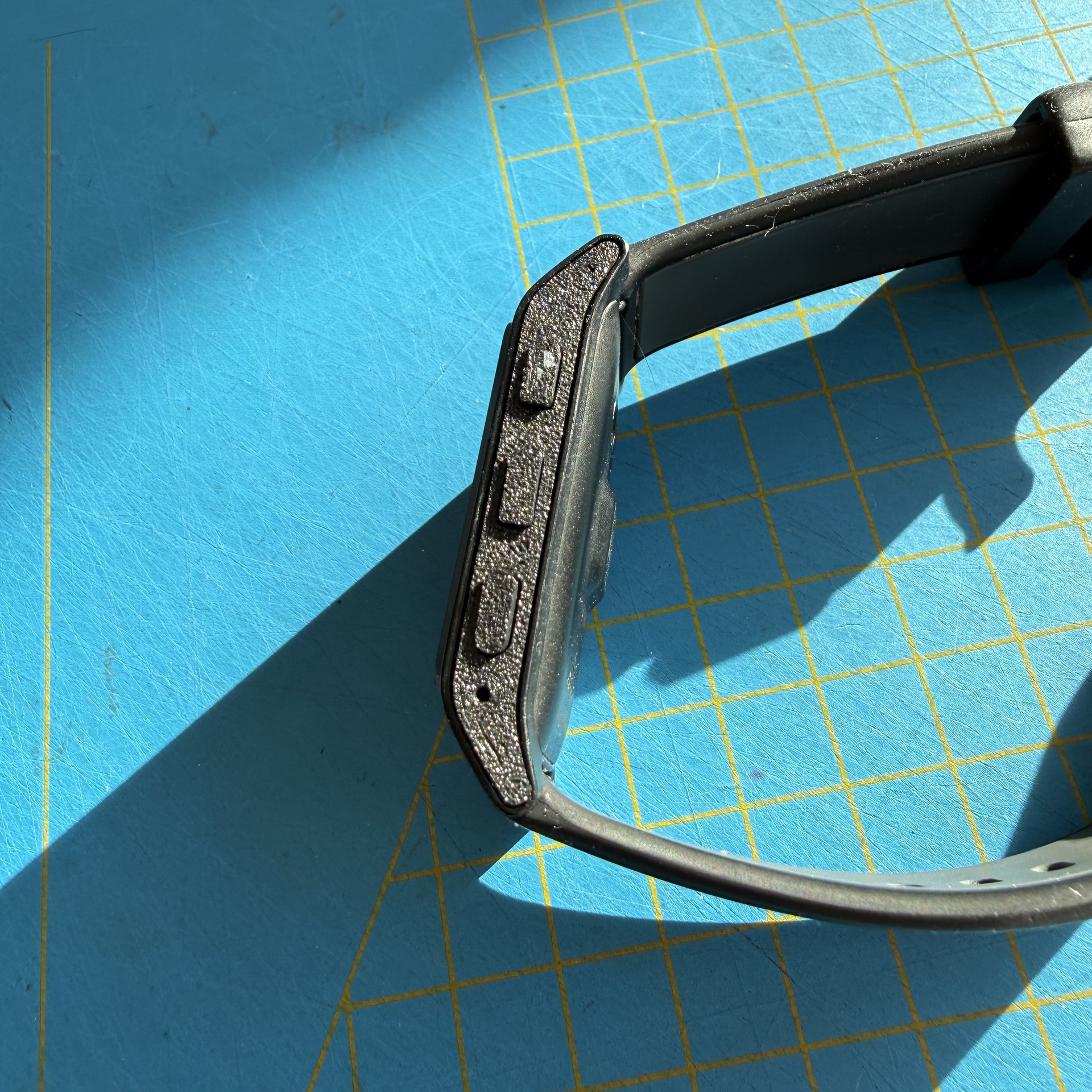
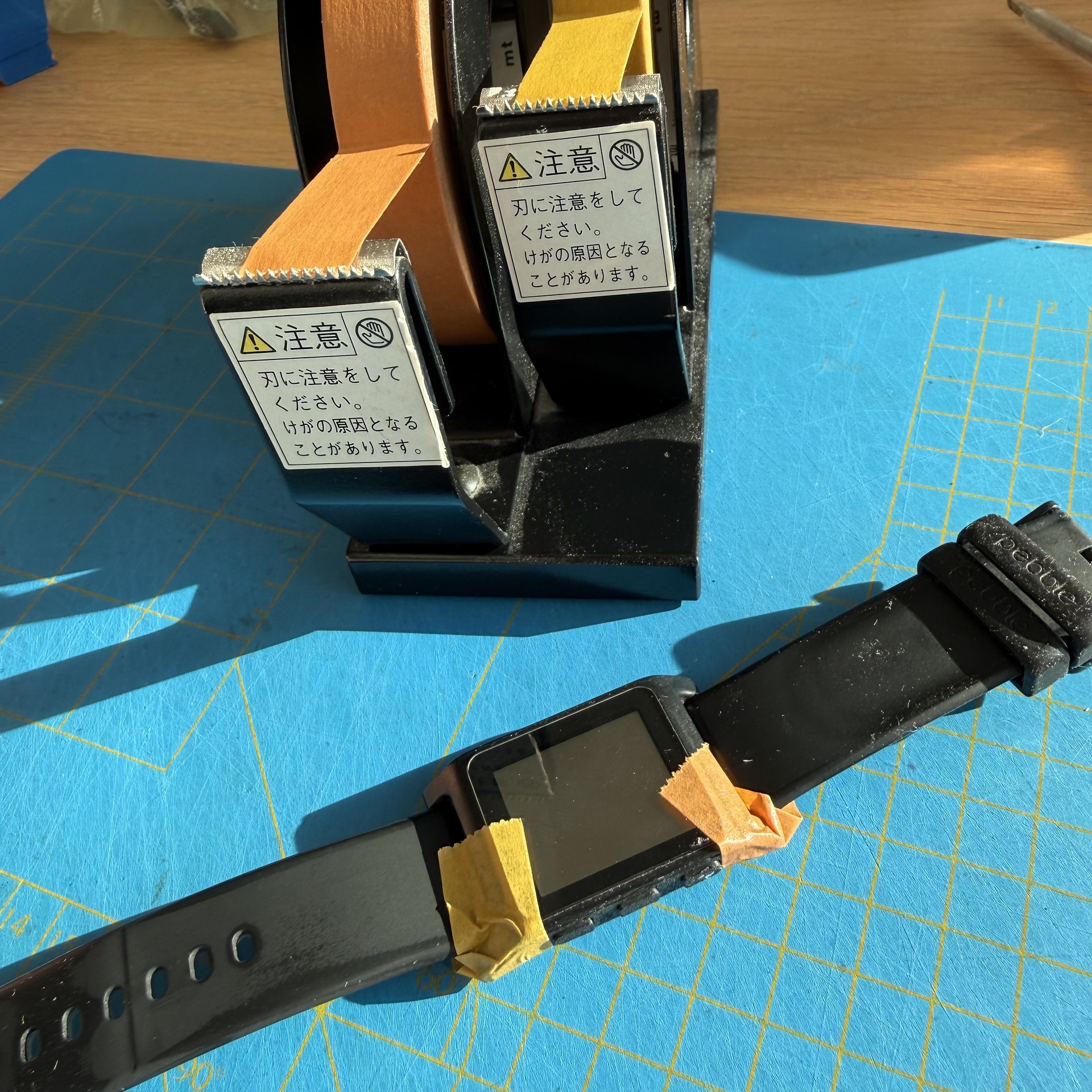
I now have a fully functional Pebble 2 again!
A few observations after everything is done. On the right side the middle and bottom buttons aren’t as clicky as I would have liked them to be. They work fine, but maybe a little bit of super glue came too close to the button edges and now there is just enough friction to not let them move freely. I’m not going to take things apart as everything works. The other thing is that when the back light is on, there is a patch near the middle button on the right that is a bit unevenly lit. Again, could have been a clumsy me that got a bit of the sticker remover alcohol into the watch that interacted with the screen. Oh well… 🤷♂️
The only functionality the watch is now missing is the water proofing.